
How to Log In to Your BetAhoy Account
Signing in opens everything: betting, the casino, the cashier and your promotions. The Login button sits in the top right corner of every page on BetAhoy, and it opens a window headed Welcome back.
If something is not working, the fixes are further down this page along with the support channels that can look at the account itself.
Log In Step by Step
Four taps from any page on the site.
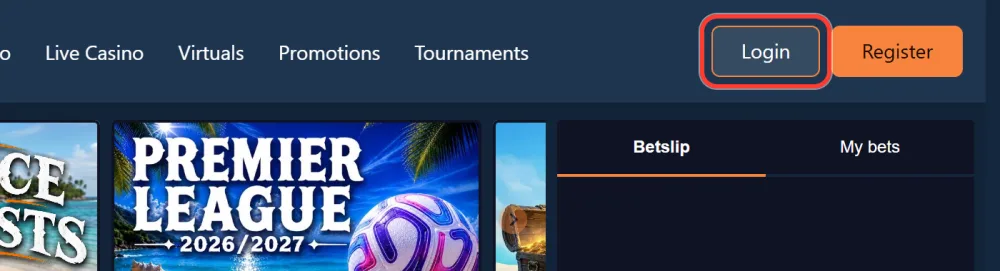
Tap Login in the top right corner
The Login button sits in the header on every page. Clicking it opens the Welcome back window without moving you off the page you were on.
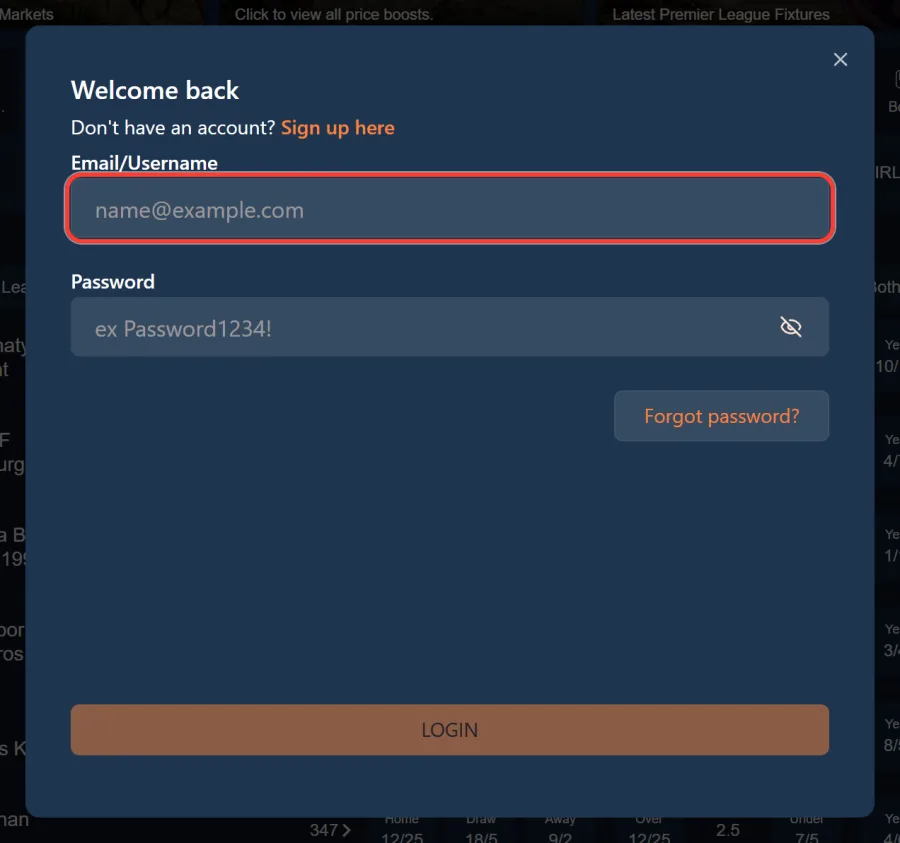
Enter your email or username
The first field is labelled Email/Username and accepts either. The placeholder shows the email format, but a username works just as well.
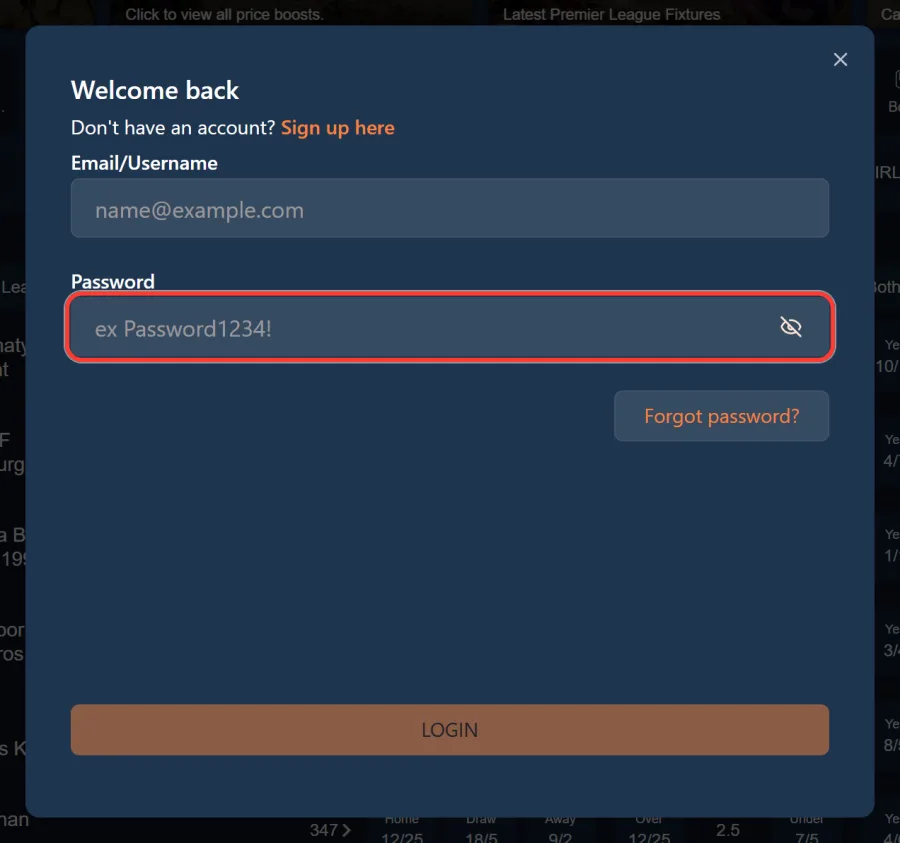
Enter your password
Type it into the password field. The eye icon on the right shows what you have entered, which is worth using before a second failed attempt.
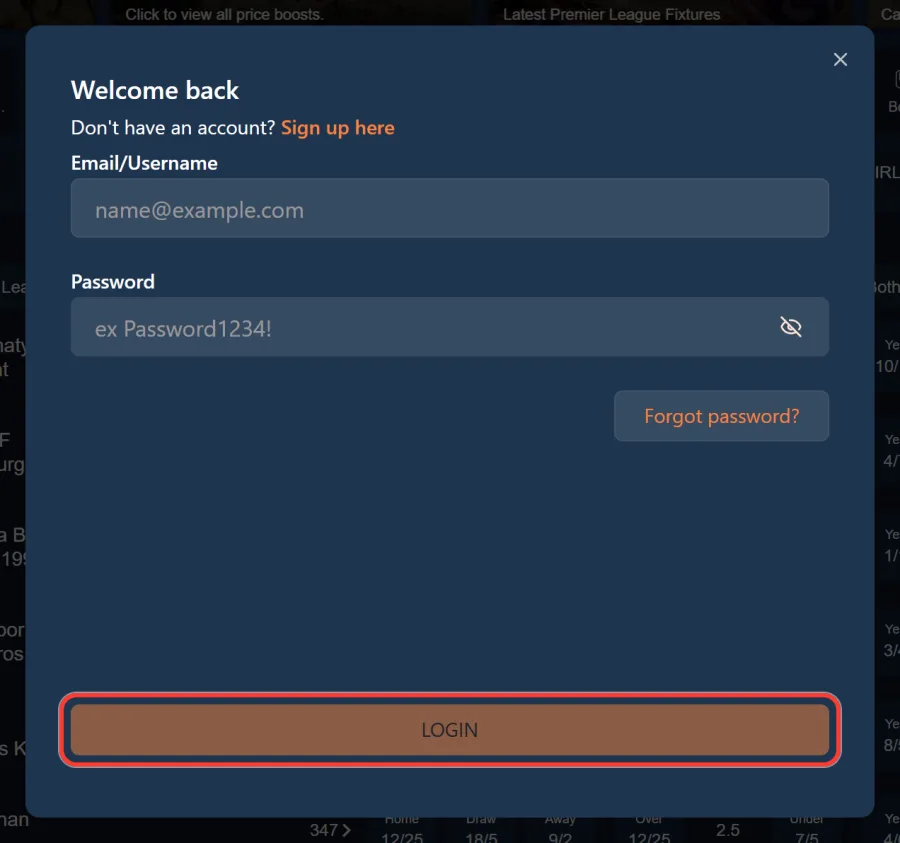
Press LOGIN to open your account
That drops you back on the site, signed in. If you do not have an account yet, the Sign up here link at the bottom of the window takes you straight to registration.
Forgot Your Password
Forgot password sits inside the same Welcome back window, under the password field.
Click it, enter the email address on your account, and a reset link is sent to that inbox. Open it and set a new password.
Two practical notes. Check the spam folder before assuming nothing arrived, because reset emails land there more often than any other kind. And use the address you registered with: a reset sent to a different inbox will not find the account, even if you own both.
If the email genuinely does not arrive, support can confirm which address is on file. Never send your password to anyone, including staff, at any point in that conversation.
Logging In from the Mobile App
There is one account across the site and both apps. The details you use in a browser work in the BetAhoy app as they are, and there is no separate app registration to complete.
Sign in once and the app keeps you signed in, which is most of the reason regular players use it: an in play price takes two taps rather than a login screen.
If your phone offers Face ID, Touch ID or a fingerprint unlock to fill saved credentials, that is your device doing it rather than a feature of the account. Whether it appears depends on your phone settings and your password manager.
BetAhoy Live Chat and Support
Support runs on two channels: live chat on the site and email to [email protected]. There is no published phone number, so anyone offering you one is not the operator.
The operator states in its About Us page that chat is answered by real people rather than AI bots, and that is the practical difference: a question about a bonus term or a settled bet gets a person who can look at the account.
The contact page lists what support handles: deposits and withdrawals, registration and login, responsible gambling, bet settlement, general account questions, the desktop, mobile and app versions, promotions and anything else.
Complaints follow a set route. Raise it with customer services first by chat or email, and it is acknowledged within 48 hours. If it is not resolved there it escalates to senior management, and after that to IBAS, the independent adjudicator. Disputes are reported to the Gambling Commission every quarter.
One rule that never changes: support will never need your password, so do not put it in a chat window or an email.
Live chat
Opened from any page of the site, answered by real people rather than bots.
[email protected] for account, payment and settlement questions.
Complaints
Acknowledged within 48 hours, escalated to senior management and then to IBAS.
When Login Does Not Work
Almost every failed login comes down to one of these.
A typo in the username or password is first, and Caps Lock is the reason more often than people admit. Use the eye icon in the password field to check what you actually typed.
A stale session is second. If the site says you are logged in but nothing loads properly, sign out fully, clear the browser cache and try again, or open the site in a private window to rule the cache out.
Then there are the two that no fix will solve. If the account is closed or self excluded, including through GamStop, access stays blocked until that period ends, and support cannot lift it early. And if no account exists on those details, register a new account rather than trying variations of an old one.
Keeping Your Account Secure
Your login is the door to the cashier, which makes it worth more than a login on most sites. Anyone who gets into the account can see your deposits and withdrawals.
Use a password you do not use anywhere else, and let a password manager remember it rather than your browser on a shared machine. Sign out properly on any device that is not yours instead of just closing the tab.
Treat unexpected emails asking you to confirm details with suspicion. The operator will not ask for your password, and a link in a message you were not expecting is the standard way accounts get taken.
Withdrawals return to the method you deposited with and the account has to be verified in your own name, which limits the damage, but it is not a substitute for a decent password.
Login FAQ
Quick answers on getting into your account.
Play Responsibly
If you find yourself logging in more often than you planned, that is worth noticing rather than ignoring.
Deposit limits, time outs and self exclusion sit in the responsible gambling section of your profile, and a tighter limit applies immediately. BetAhoy is an 18+ site and verifies age before paying out.
GamCare and GambleAware provide free confidential help, and GamStop blocks access to every UK licensed operator at once.